Pure Sound. Clean Aesthetics.
Your Music, Everywhere.
PixelMusic is a free, open-source Android music player. Play your local library, follow synchronized lyrics, and open YouTube Music inside the app through WebView.
- Local Music
- Synced Lyrics
- Dynamic Themes
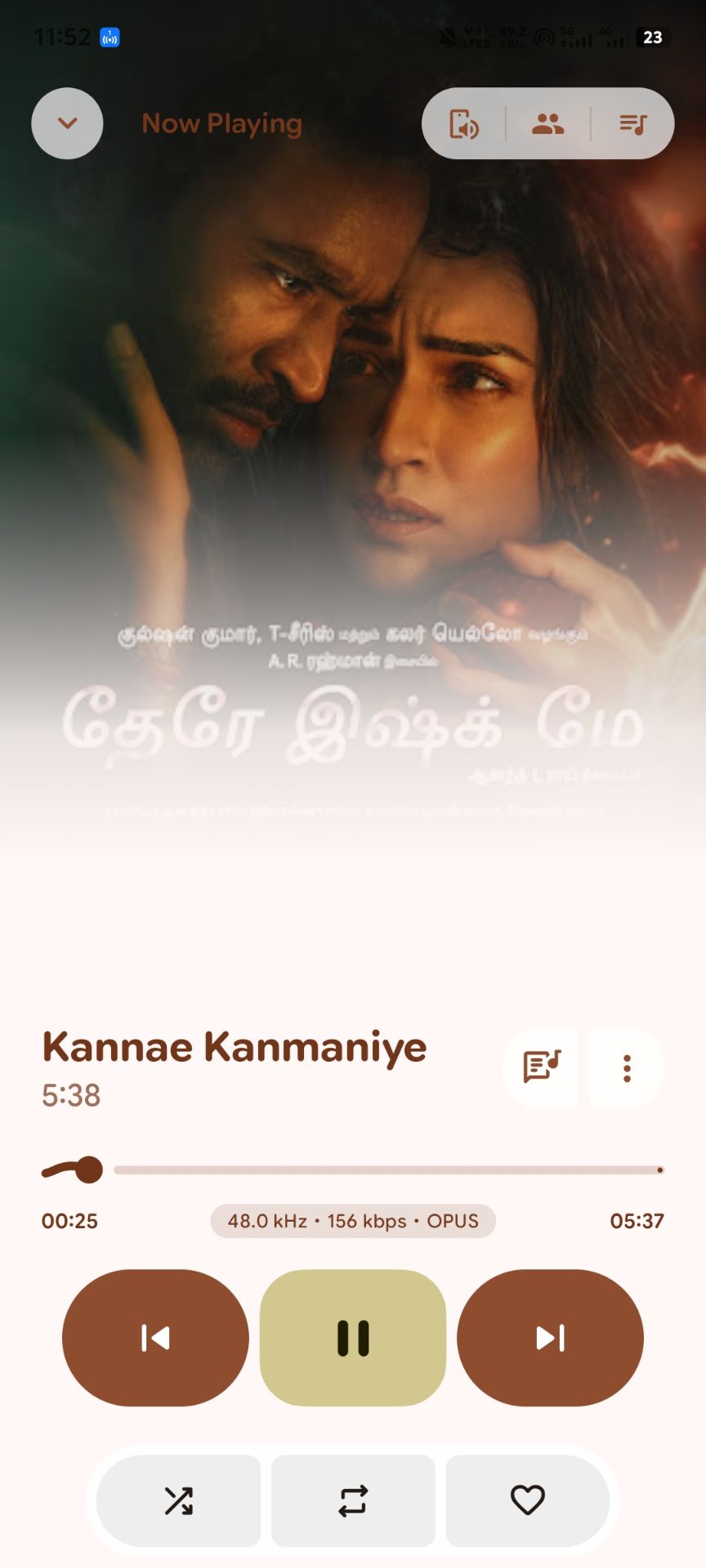
Designed for Android
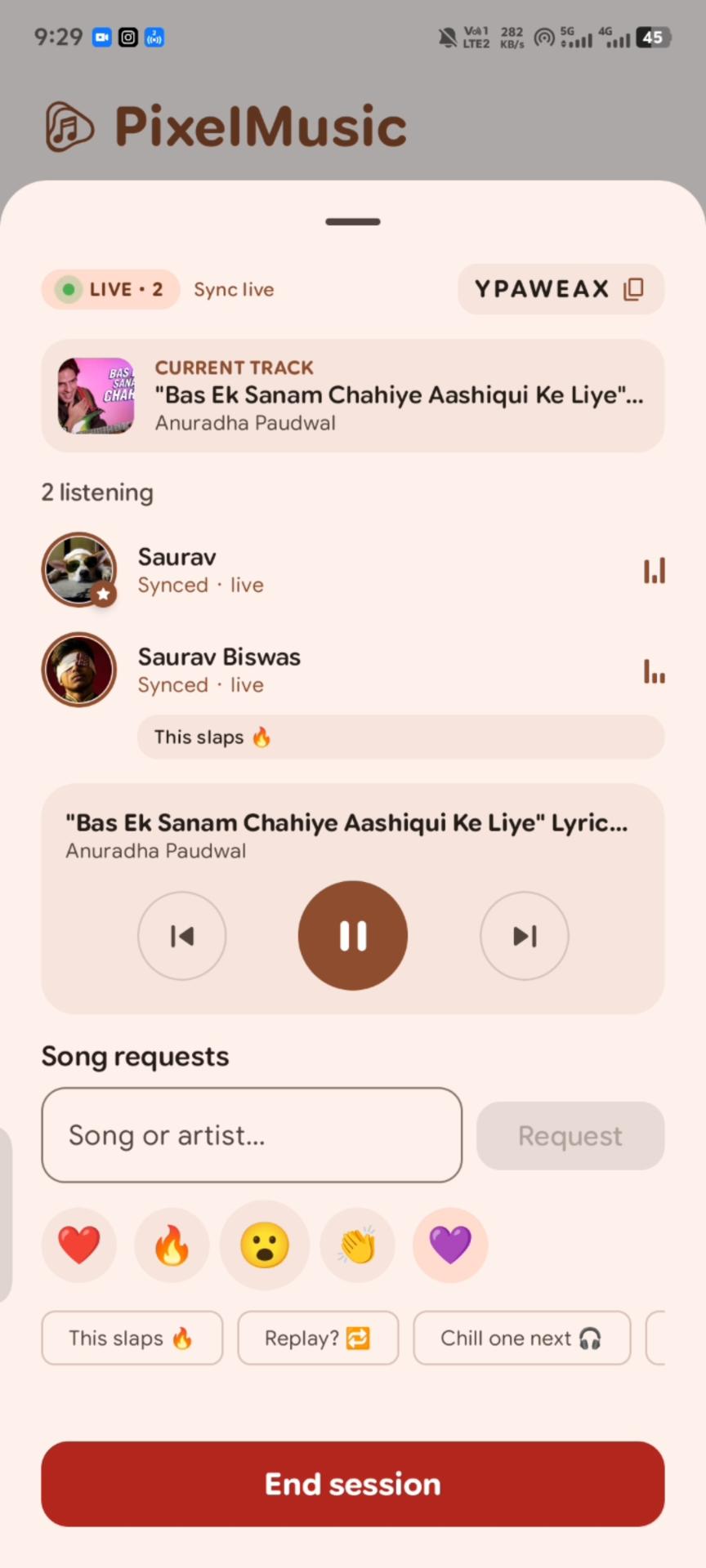
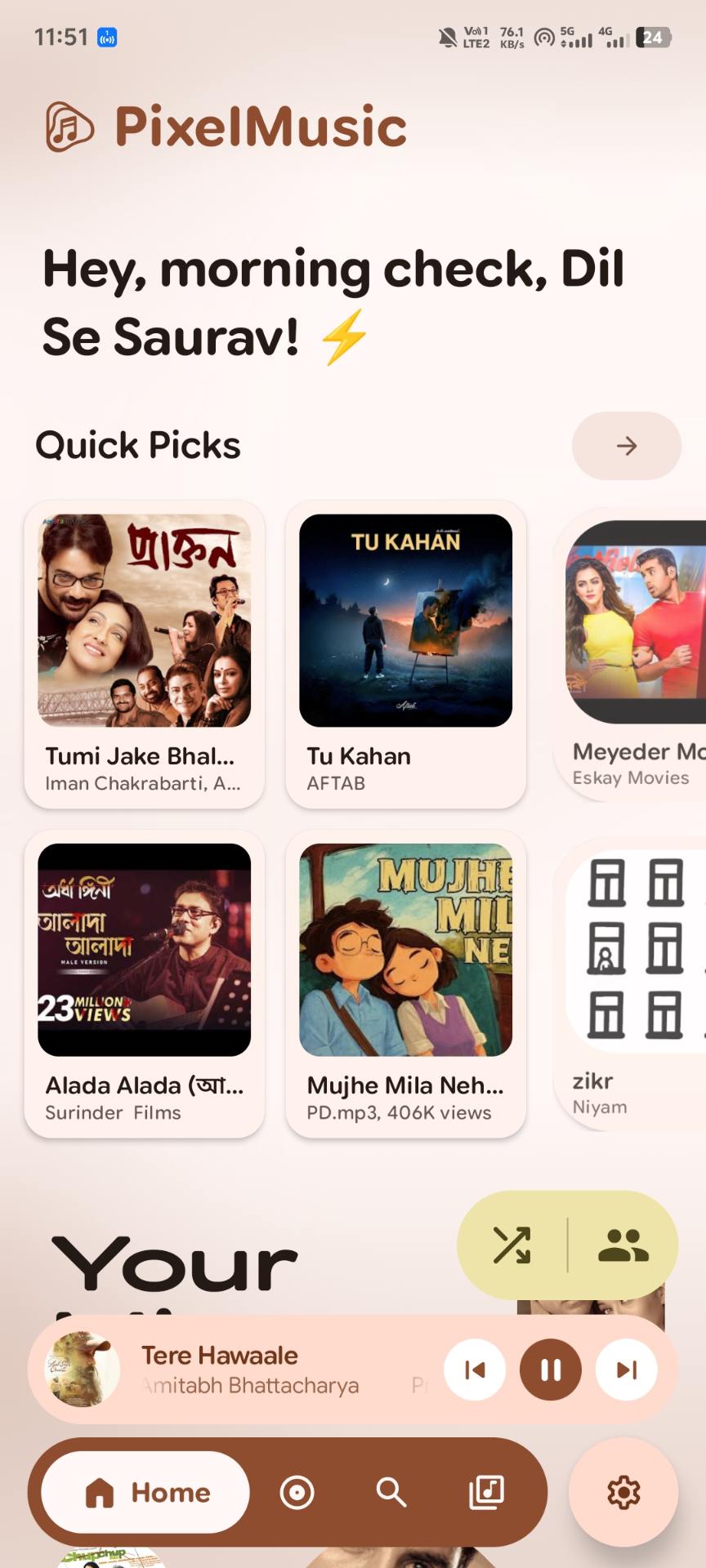
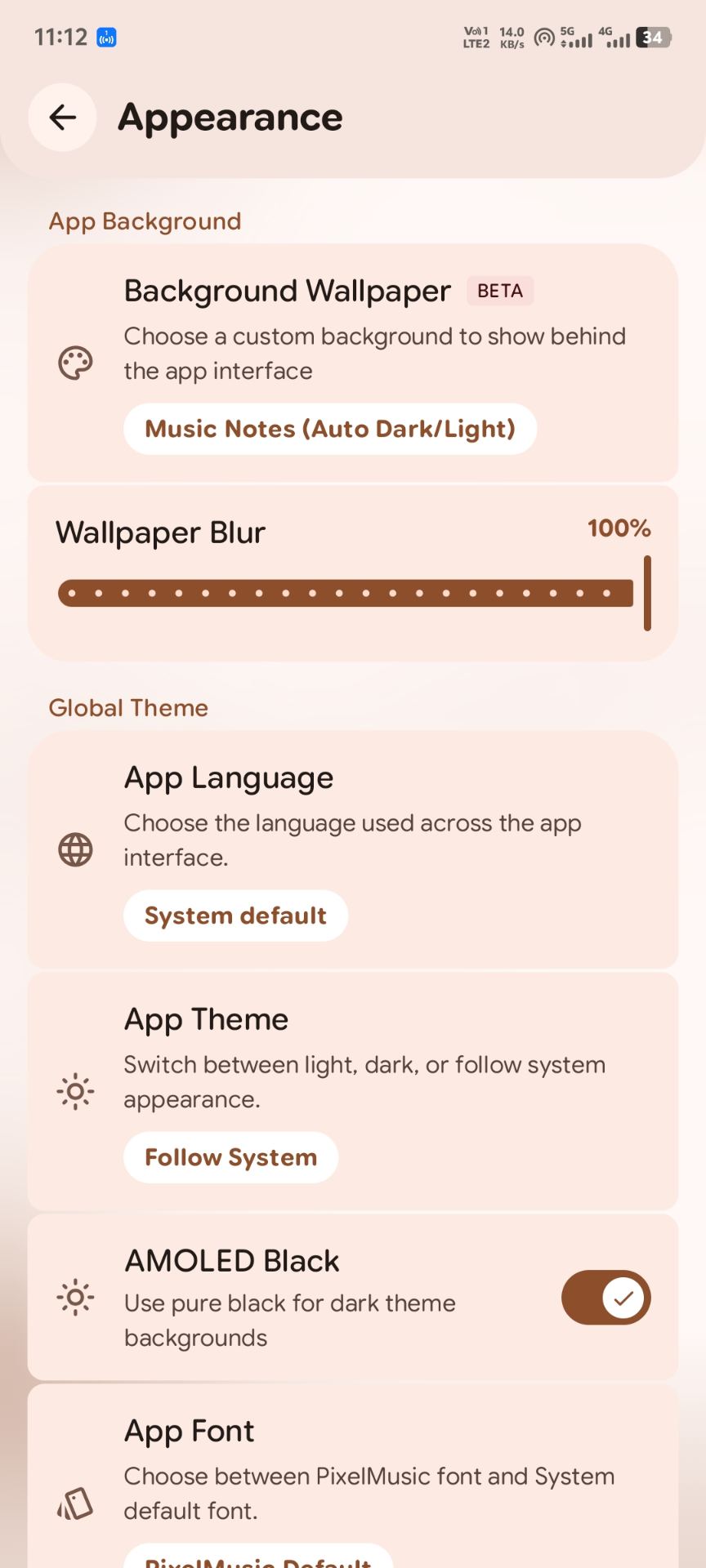
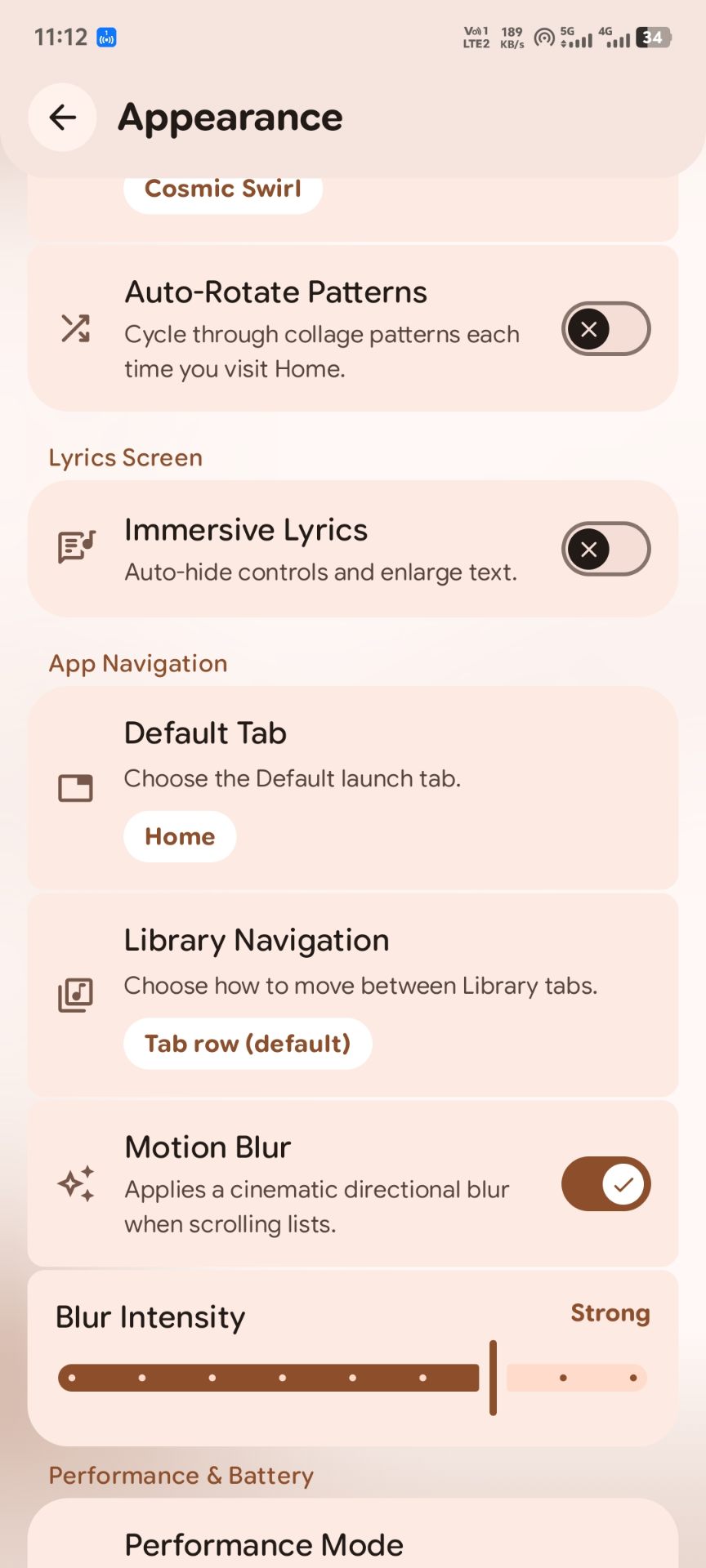
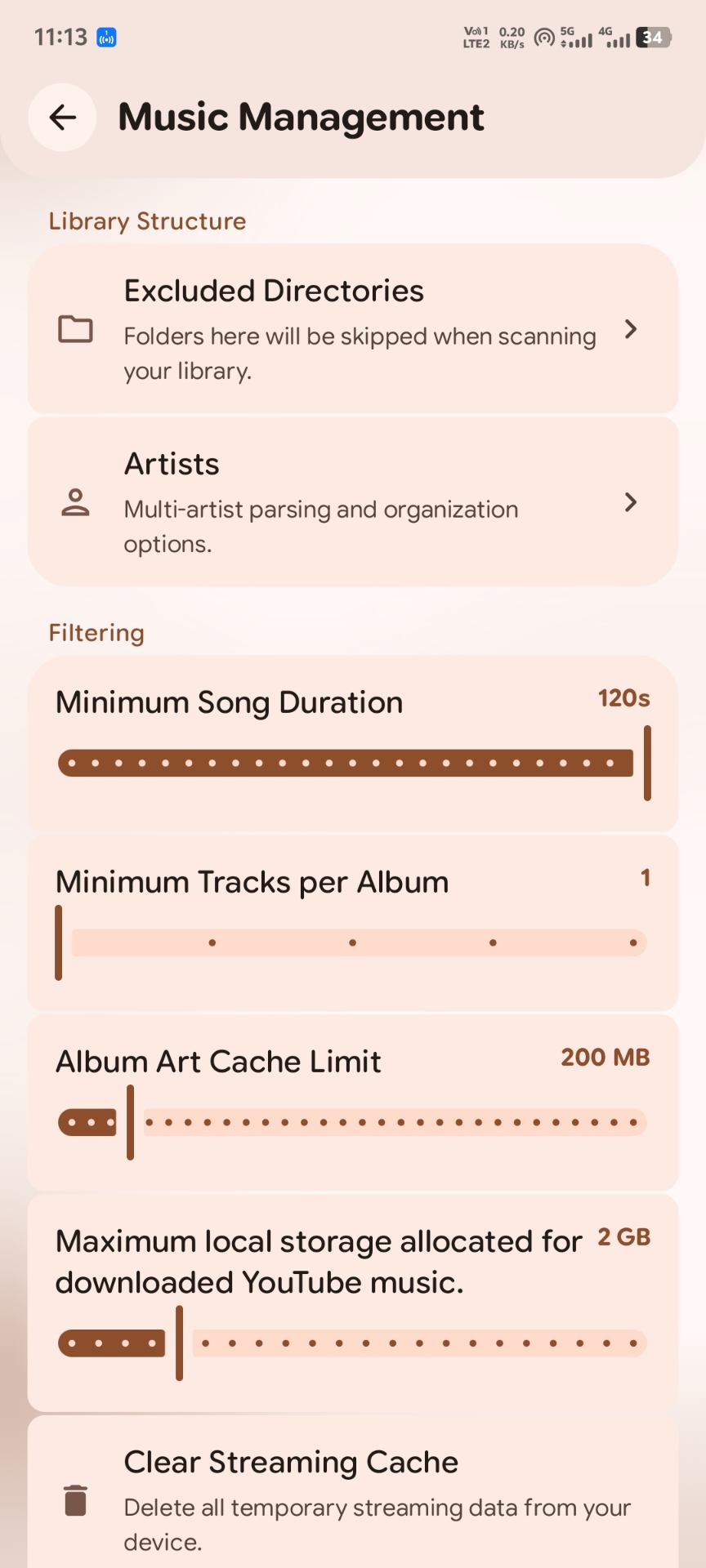
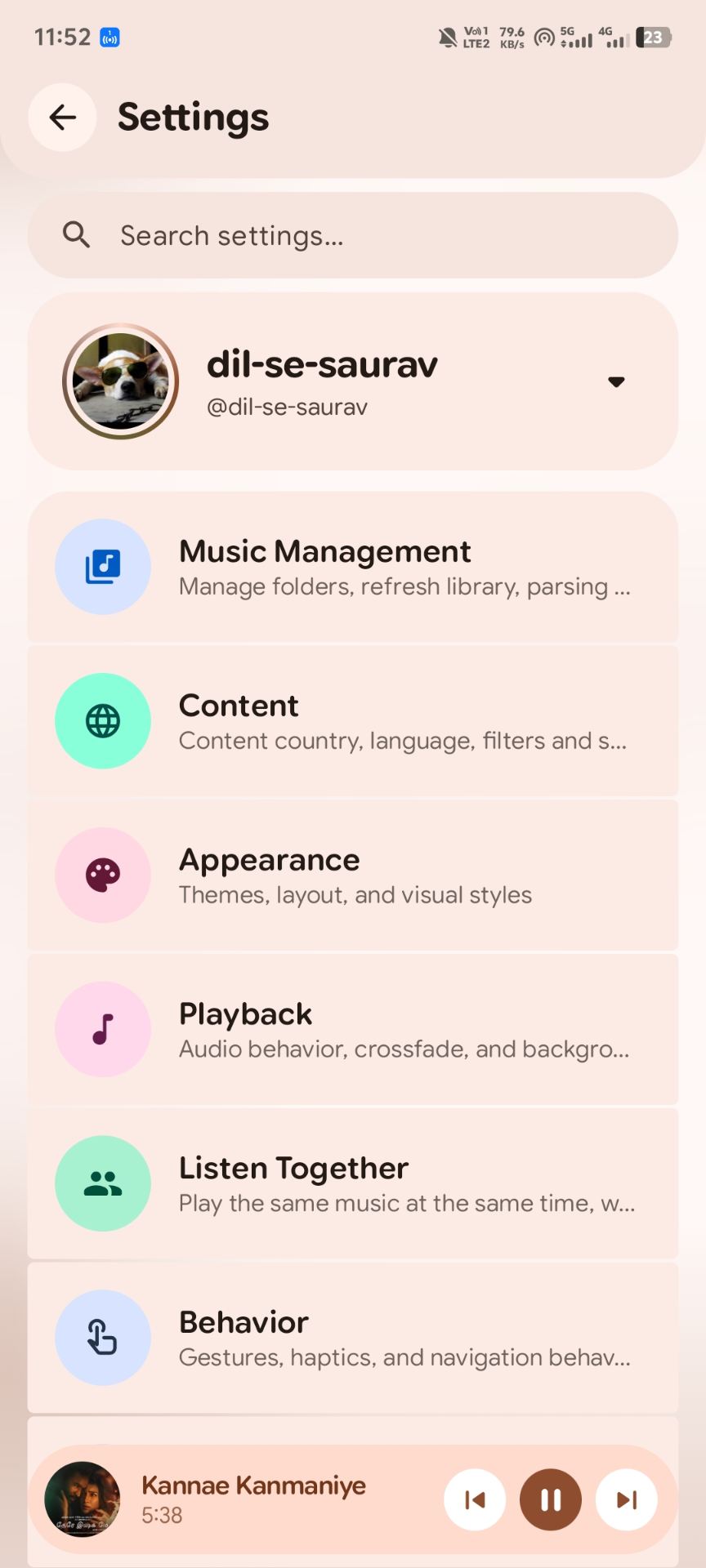
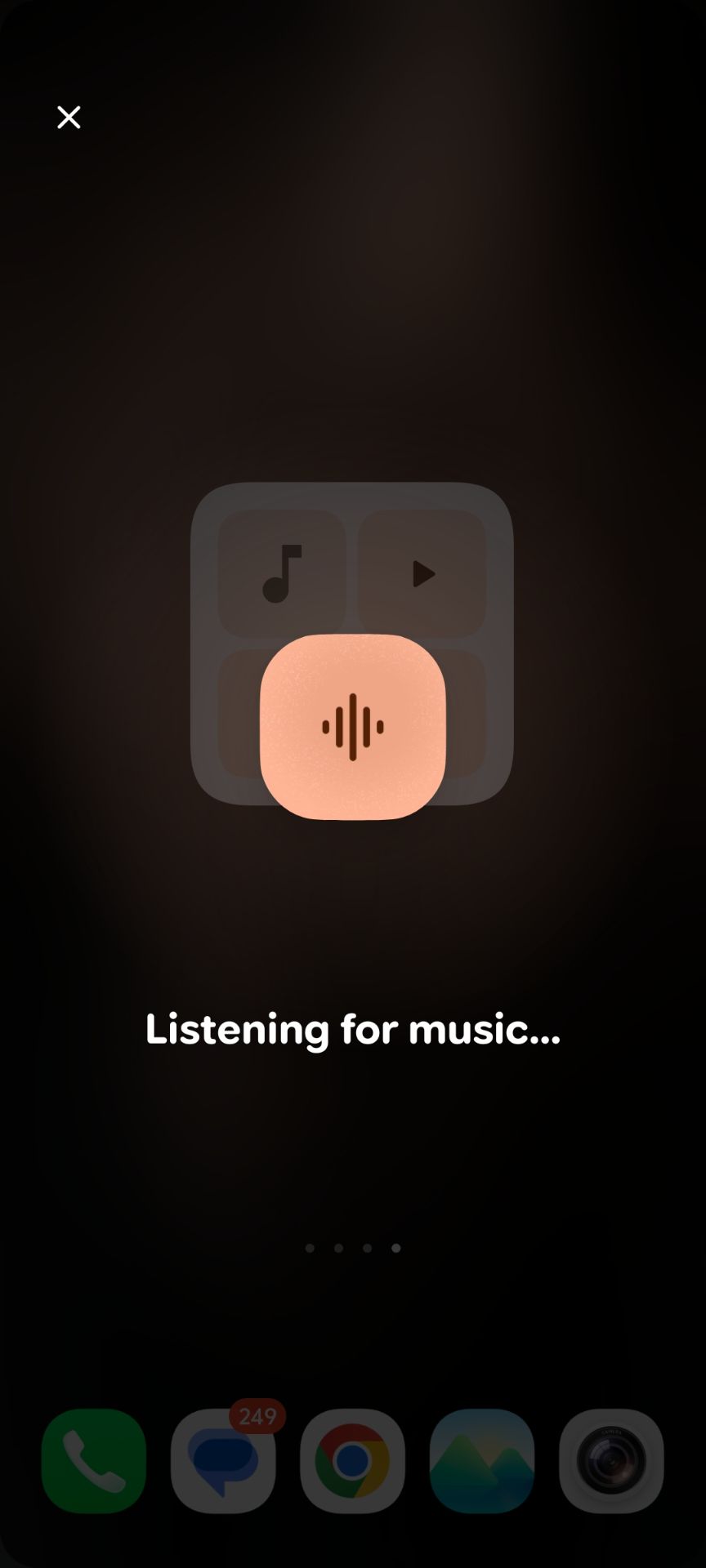
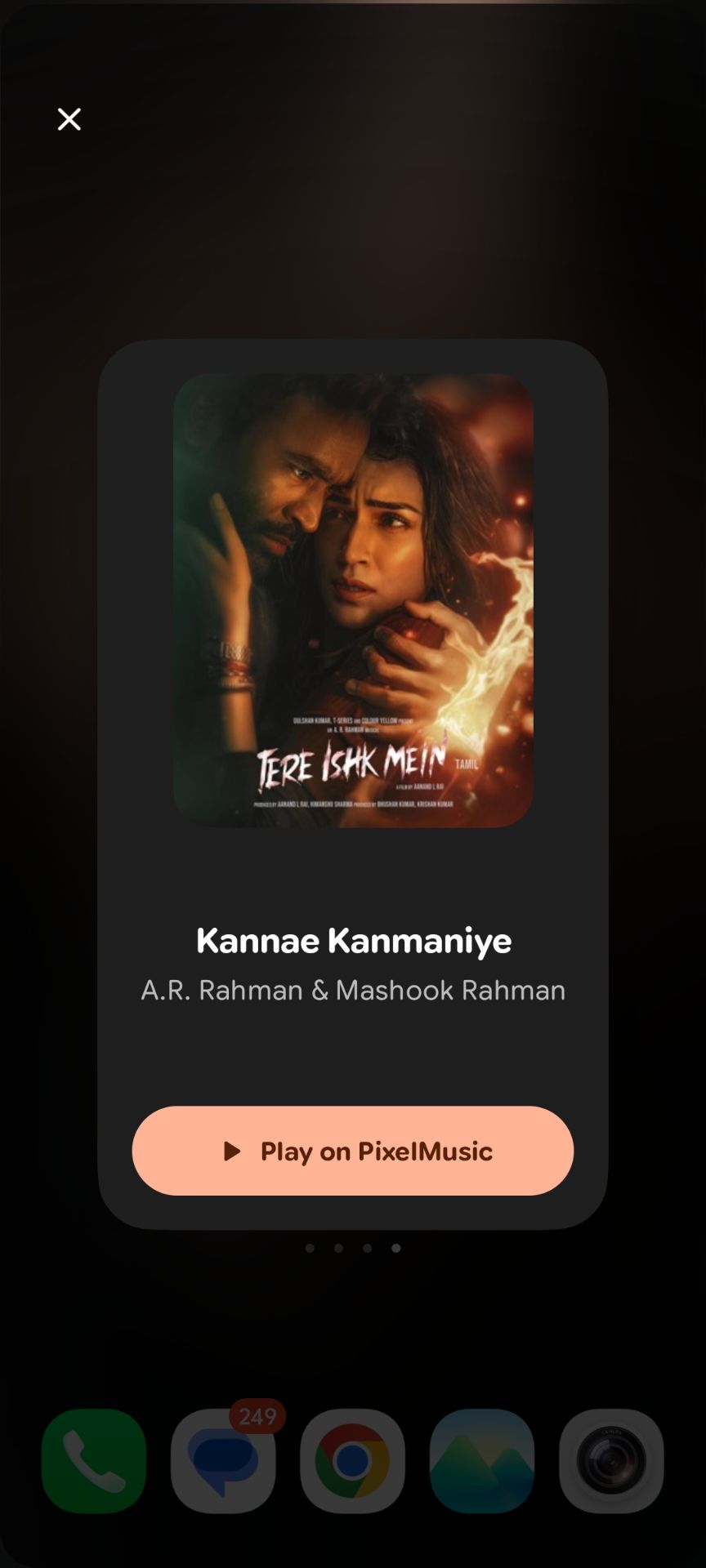
Real screenshots from the current build. Tap one to enlarge.
Listening & Social
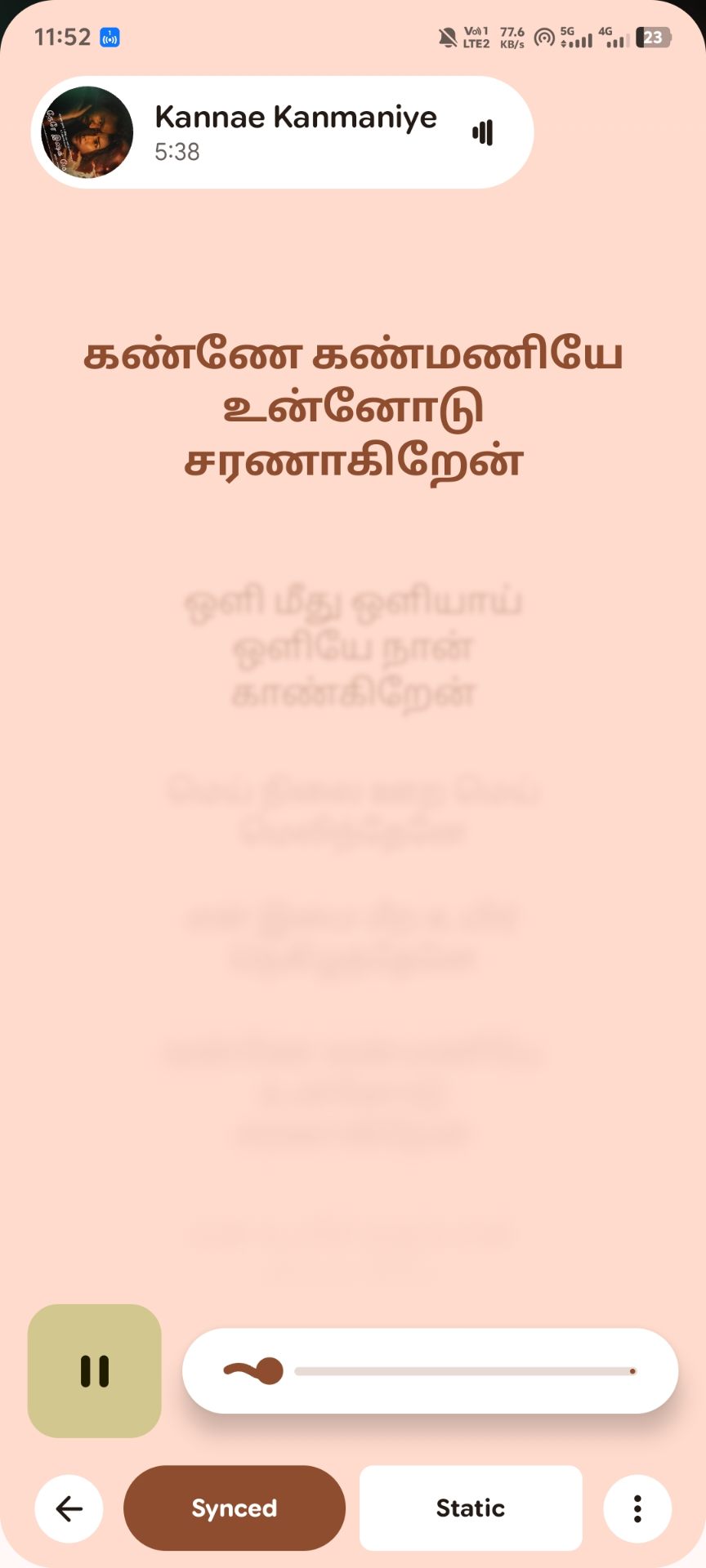
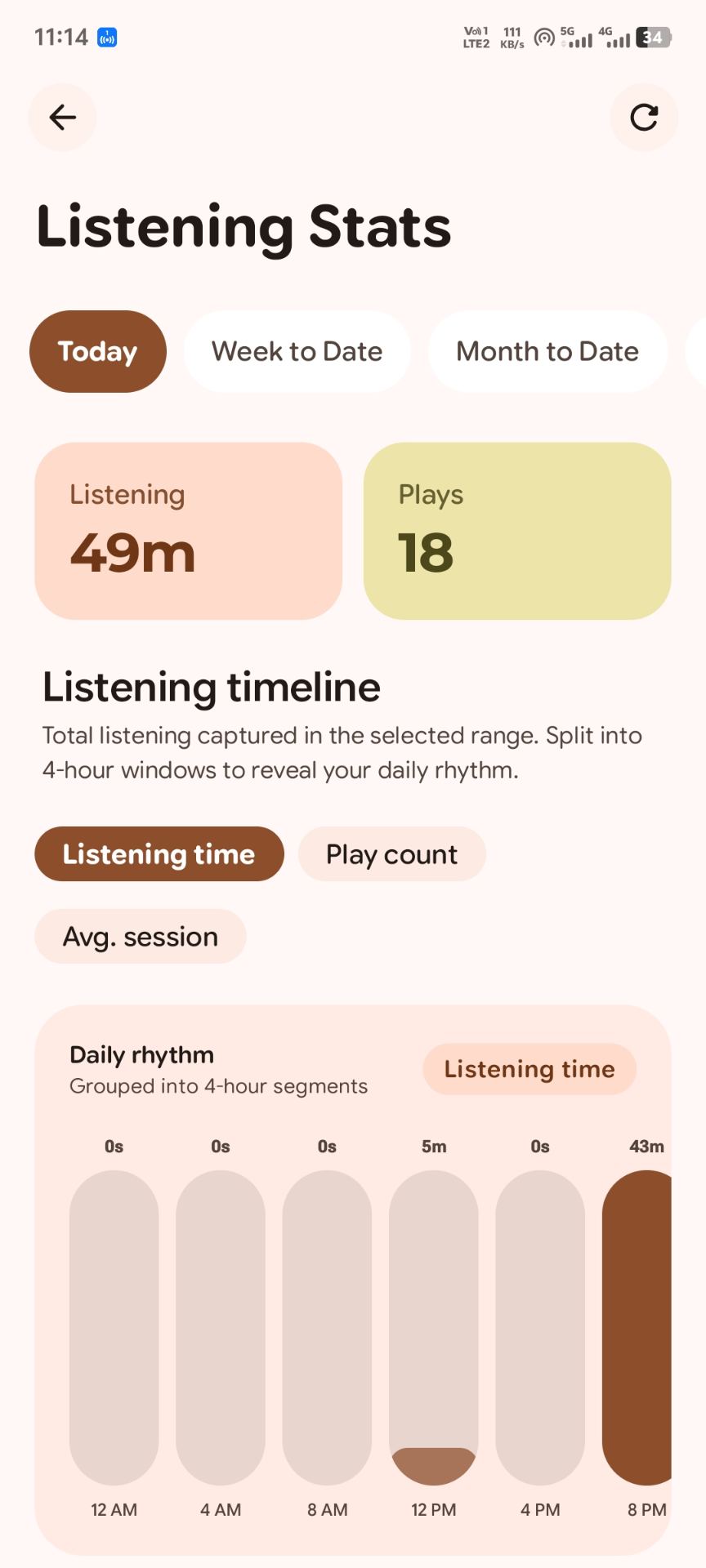
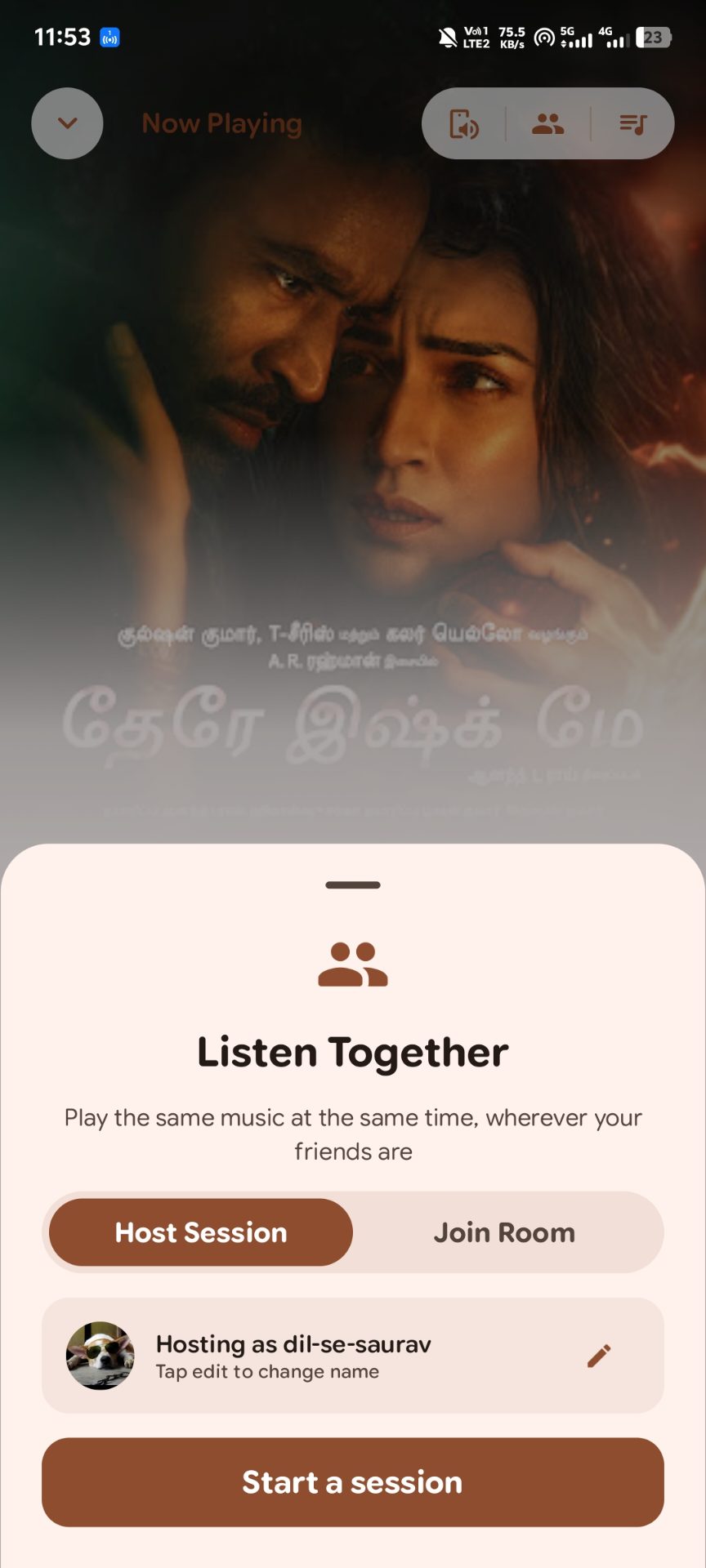
Library & Discovery
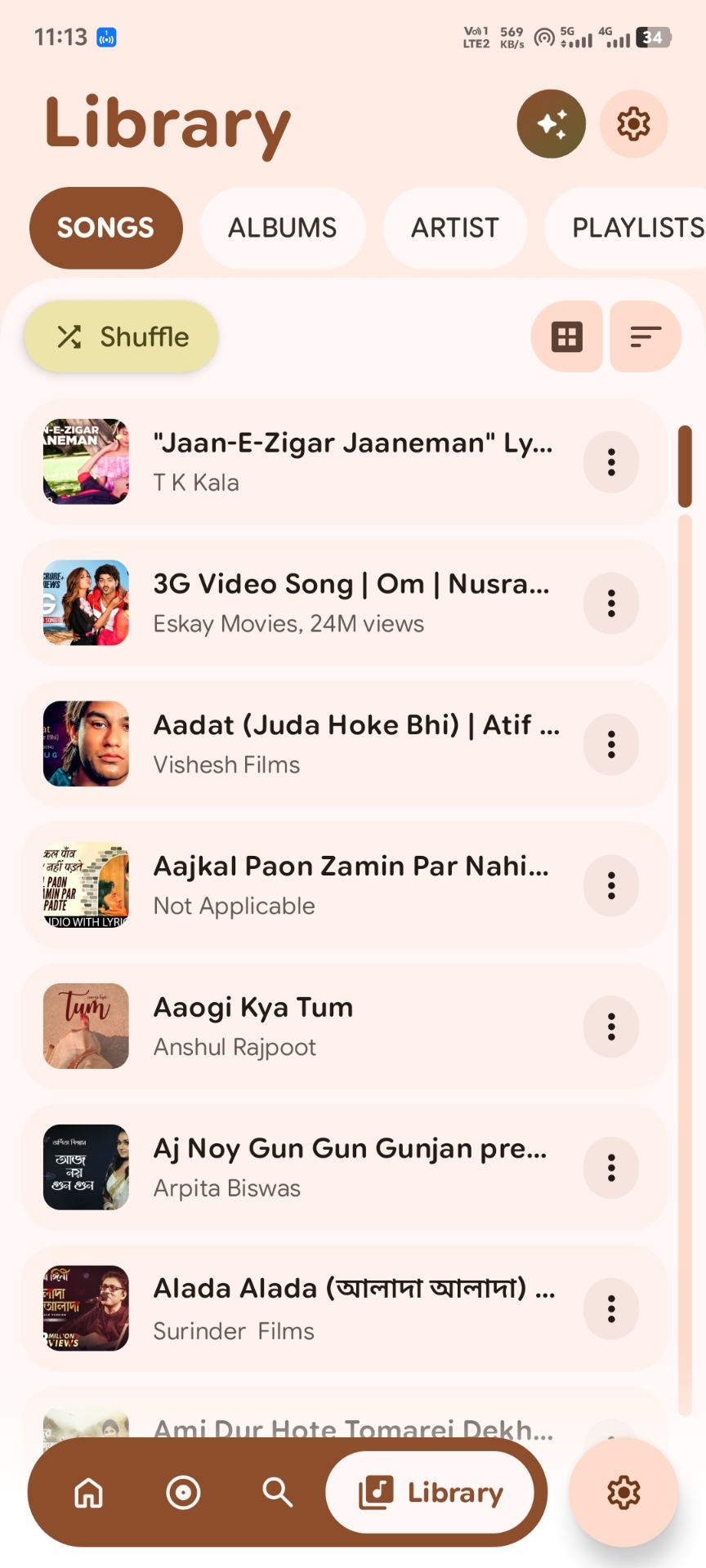
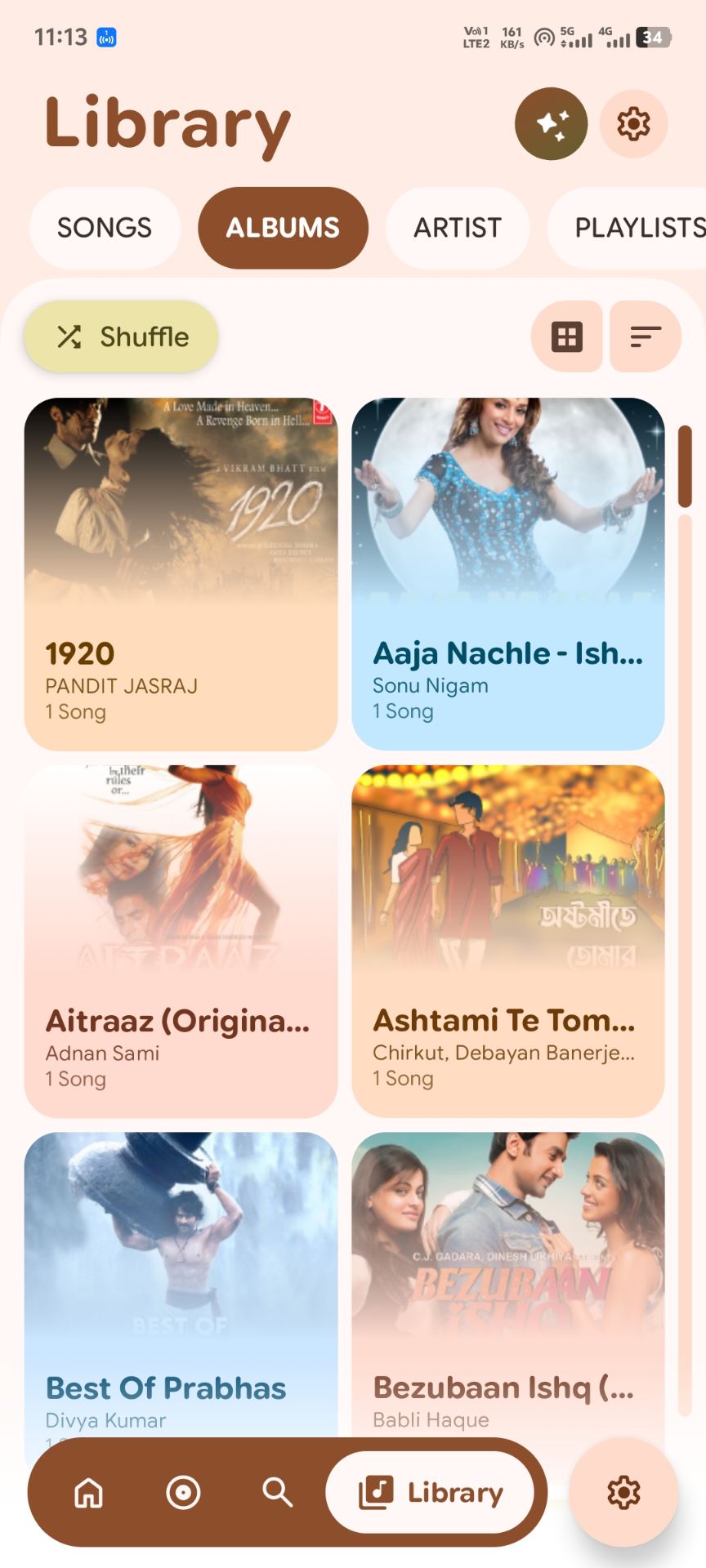
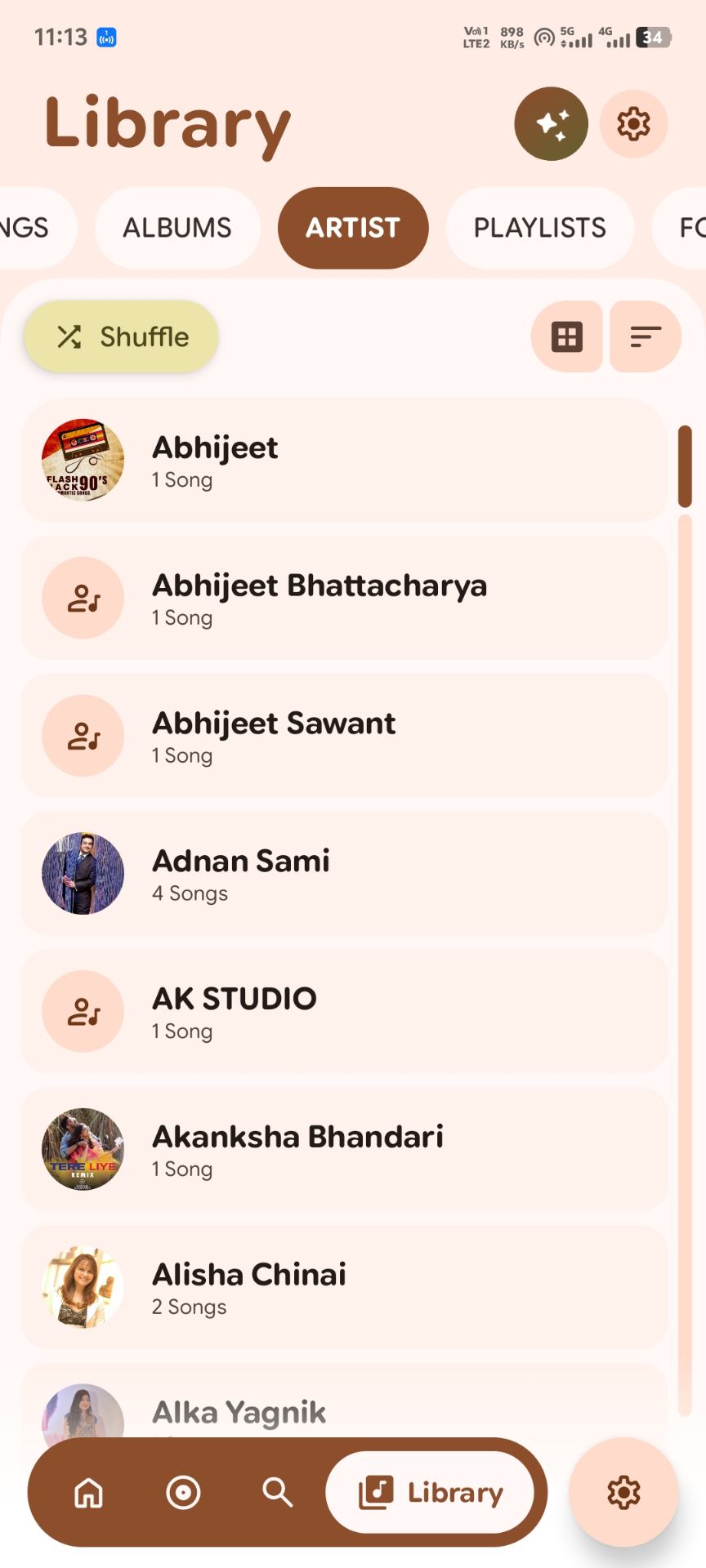
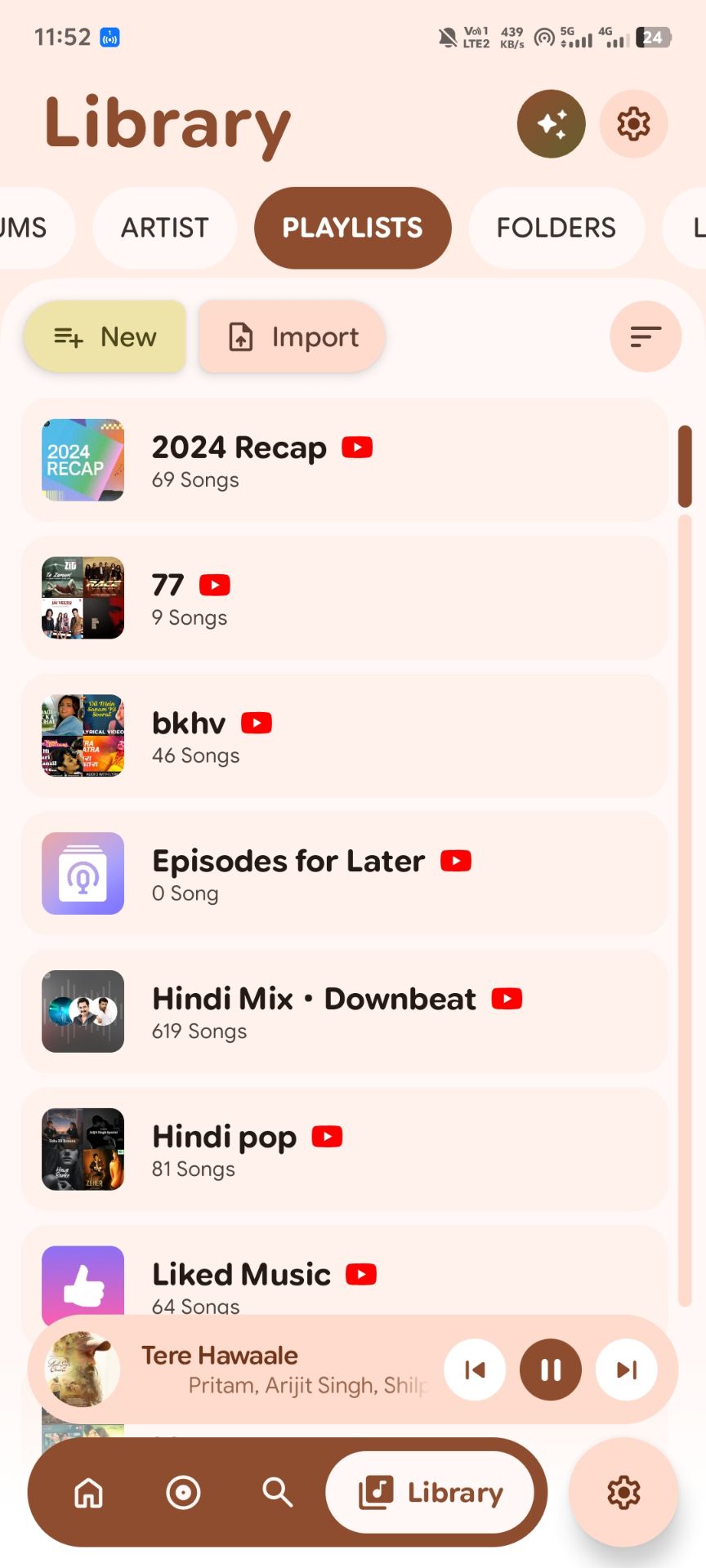
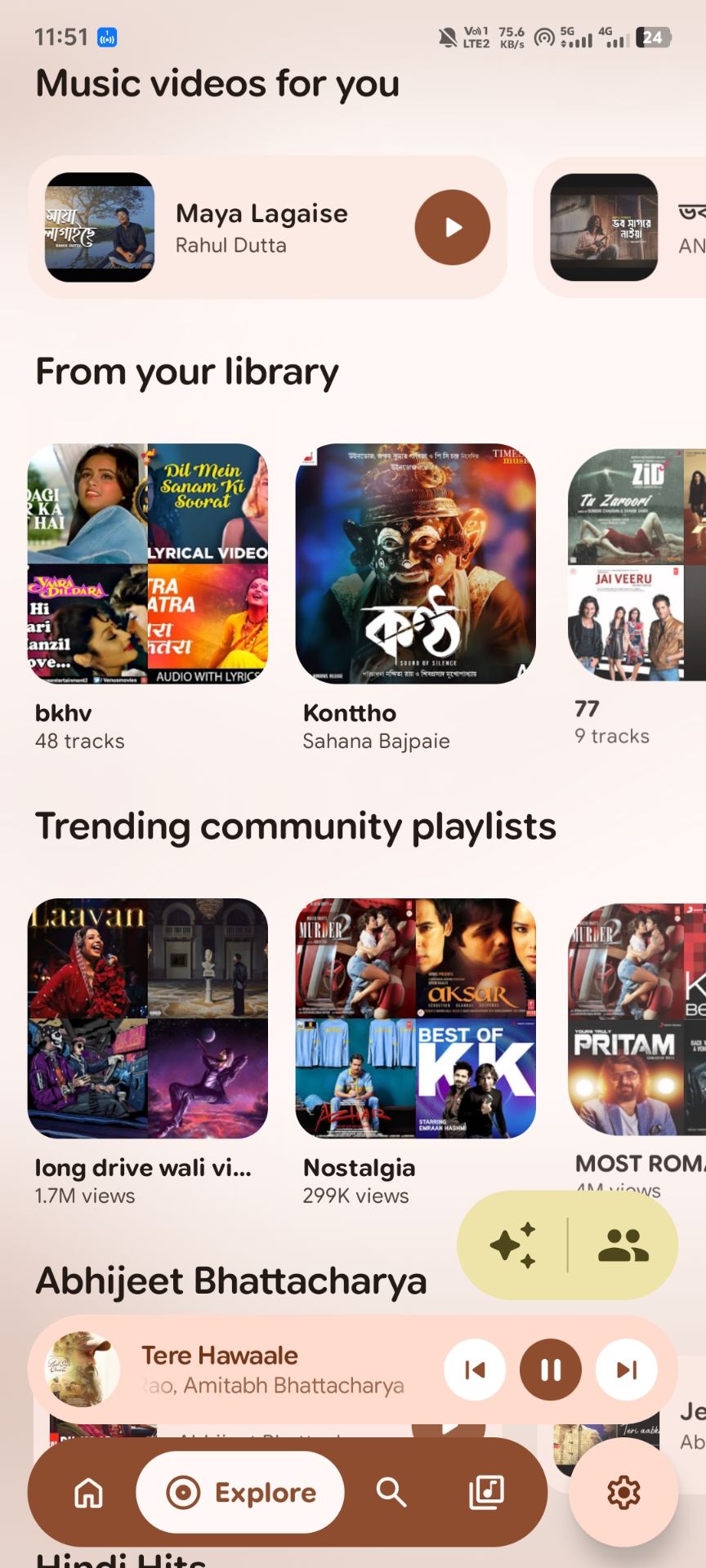
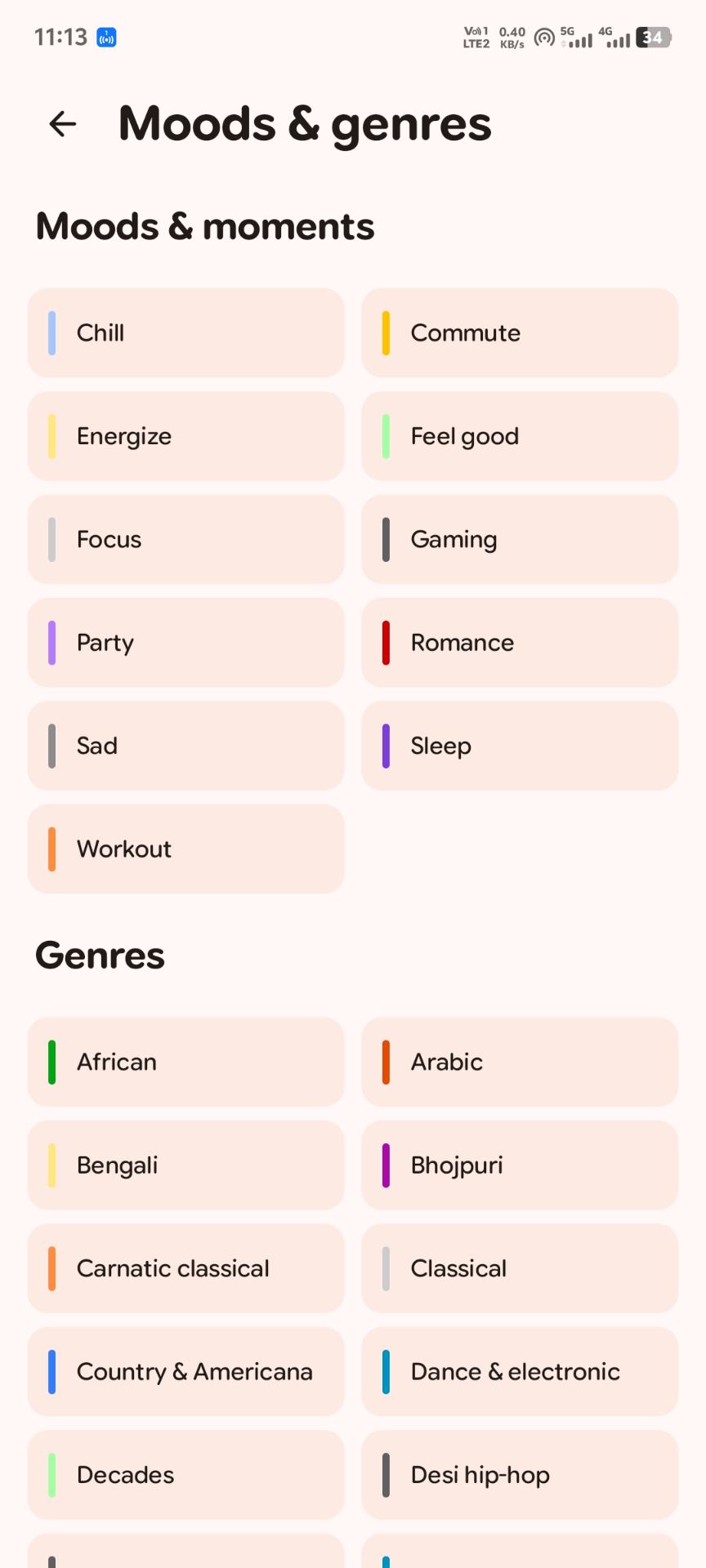
Customization & Tools
Built-in Capabilities
What PixelMusic does today.
YouTube Music via WebView
Sign in to YouTube Music inside the app to reach your library, mixes and playlists. Sign-in and activity are handled by Google.
Local High-Fidelity Playback
Plays FLAC, WAV, ALAC, Opus, AAC and MP3 files with gapless transitions and configurable audio offload.
Synchronized Lyrics
Line-by-line scrolling, word-by-word highlight mode, translations, and automatic detection of local .lrc files.
Library & Folder Explorer
Index your device with folder blacklist rules and storage filters, build playlists, and edit tags.
Material You Theming
Colors adapt to album art and the Android system theme, with squircle corners, fluid seekbars and gesture navigation.
Ad-Free & Open Source
PixelMusic shows no ads, and its full source is public so you can inspect what it does. Your local library stays on your device.
Download PixelMusic
Version details are loaded live from GitHub Releases.
What's new
How to verify your download
Compare the SHA-256 shown above (when GitHub provides one for the file) with your downloaded copy:
sha256sum PixelMusic-*.apk
To check the signing certificate on a computer with Android build-tools installed:
apksigner verify --print-certs PixelMusic-*.apk
Only install APKs from this repository's Releases page.
Open and Verifiable
Everything you need to check the project for yourself.
FAQ
Installation, updates, permissions and common fixes.
How do I install the APK?
- Download the APK from the Download section above.
- Open it on your phone and allow installs from your browser or file manager when Android asks.
- Tap Install, then turn that permission back off if you like.
How do I update PixelMusic?
Download the newer APK from this page and install it over the existing app. Your data is kept as long as the new APK is signed with the same key as the old one.
Which permissions does it ask for, and why?
Media/audio access to find and play local music, notifications for playback controls, and internet access for YouTube Music and online features. The exact list is in the app's manifest in the source repository.
YouTube Music won't sign in or play. What can I try?
Update Android System WebView and Chrome from Google Play, then clear the web data from PixelMusic's settings and sign in again. If it still fails, open an issue with your Android version and what you saw.
My local songs or lyrics are missing.
Check that media permission is granted, that the folder isn't blacklisted in the library settings, and rescan the library. Lyrics files need to be .lrc files next to the song.
Support & Community
PixelMusic is a personal open-source project. Help shape it.
Policies & Compliance
How PixelMusic handles YouTube Music, your data, and use of the app.
YouTube Music & WebView Policy
PixelMusic opens YouTube Music in an Android WebView. When you sign in, browse or play content, that activity is handled by Google under Google's terms and privacy policies.
1. Sign-in
Sign-in happens on the YouTube Music website shown inside PixelMusic's WebView, and Google processes your authentication. PixelMusic does not provide its own Google password form.
2. What Google handles and what stays on your device
- Handled by Google: account activity such as playback history, liked songs and recommendations, according to your Google account settings.
- Stored on your device: WebView cookies and session data that keep you signed in, plus your local library index and app settings.
- Network requests: sign-in, browsing and playback requests go to YouTube Music and its supporting services.
3. Signing out and clearing data
Sign out in YouTube Music, or clear the WebView data in PixelMusic's settings where available. Clearing data on your device removes locally stored session information but does not delete activity already saved to your Google account. Manage connected devices and account activity in your Google Account settings.
4. Third-party policies
- Google Privacy Policy: policies.google.com/privacy
- YouTube Terms of Service: youtube.com/t/terms
PixelMusic is an independent project and is not affiliated with or endorsed by Google or YouTube.
Privacy Policy
This policy explains what the PixelMusic app does with data. The app's source code is public, so you can check these statements against the implementation.
1. What PixelMusic itself collects
The PixelMusic project does not run a server that collects your personal information, and the app is not built to show ads. Your local library index, playlists and settings are stored on your device.
2. What third parties handle
When you use YouTube Music or other online sources inside the app, those services receive the requests needed to work and process them under their own policies. See the YouTube Music Policy tab for details.
3. Permissions
- Audio files & media: to index and play music stored on your device.
- Notifications & foreground service: to show playback controls while audio plays.
- Internet: to stream content you request, such as YouTube Music.
4. Verify it yourself
Source code: github.com/Saurav-02/PixelMusic. Third-party libraries and their licenses are listed in the repository.
5. Questions and security reports
Ask privacy questions by opening an issue. Report security problems privately through GitHub security advisories.
6. Changes
If this policy changes, the version number and effective date above will be updated.
Terms of Service
1. Acceptance
By downloading, installing or using PixelMusic you agree to these terms. If you disagree, stop using the app.
2. Software license
PixelMusic is distributed under the open-source license in its GitHub repository. That license governs how you may use, copy and modify the code.
3. Third-party services
Use of YouTube Music or other external services is also governed by those providers' terms and policies.
4. Disclaimer
PixelMusic is provided "AS IS" and "AS AVAILABLE" without warranties of any kind, express or implied. The maintainers are not liable for damages arising from use of this software.